
Quick answer
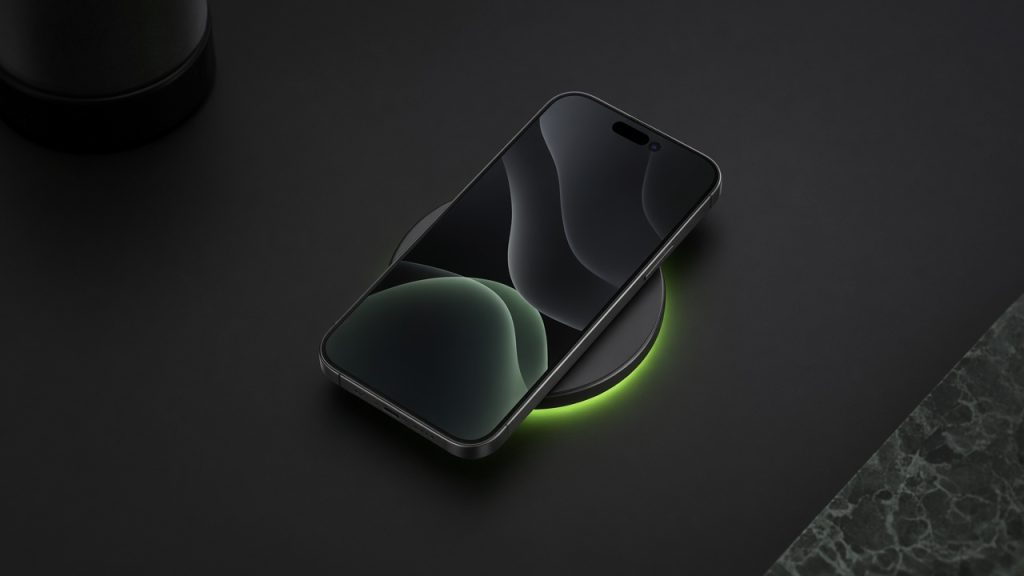
Wireless charging tops up a phone through a pad or magnetic stand — no cable in the port. Most phones use the Qi standard; newer gear adds Qi2 magnetic alignment, and Apple’s MagSafe is the well-known magnetic ecosystem that Qi2 broadly echoes.
You will see watt numbers (7.5 W, 15 W, and up), MagSafe / Qi2 logos, and “wireless charging compatible” on midrange and flagship phones. Convenience is the pitch; heat and slower peaks versus a good USB‑C cable are the trade-offs.
This explainer is based on how wireless charging is marketed on phones and pads. Gadget Clash does not measure charge curves or magnet strength. Confirm Qi / Qi2 / MagSafe support and max watts on the exact SKU.
Wireless charging at a glance
| Question | Short answer |
|---|---|
| What it is | Inductive charging through a pad or magnetic puck |
| Common labels | Qi, Qi2, MagSafe, brand “wireless XX W” |
| Care most if | Desk/nightstand convenience or magnetic mounts/wallets |
| Ignore if | You always use a cable and want max speed / coolest charge |
| Related | USB‑C, MagSafe accessories |
What wireless charging actually is
A coil in the pad and a coil in the phone transfer power across a short gap. Qi is the long-running cross-brand standard. Thick cases, misalignment, or metal plates can slow or stop charging. MagSafe (Apple) adds magnets for snap-on alignment plus an accessory ecosystem (wallets, stands, car mounts). Qi2 brings MagSafe-like magnetic alignment to a wider industry standard so more Android phones and third-party pads can “snap” consistently.
Advertised watts are peaks under ideal conditions. Wireless charging usually runs warmer and slower than a matched USB‑C PD cable. Some phones throttle wireless charge while gaming or in hot rooms.
Why it shows up on product pages
- Desk lifestyle marketing: Drop-and-go nightstand pads
- MagSafe / Qi2 ecosystems: Magnets sell mounts, wallets, and multi-device stands
- Spec checklists: “15 W wireless” next to wired wattage
- Case fine print: Official cases rated for wireless; random thick cases may block it
Buyer takeawayBuy wireless for habit and mounts — not as a substitute for a solid wired charger in your bag.
Choose it if / Skip it if
Choose it if…
- You like a fixed pad on the desk or bedside and hate plugging in every night
- You want magnetic car mounts or wallets that align every time
- Two similar phones differ mainly on Qi-only vs magnetic Qi2 / MagSafe
Skip it if…
- You are fine with USB‑C and want faster, cooler top-ups
- Budget phones omit wireless and you would rather fund battery or camera
- You use ultra-thick rugged cases that already defeat most pads
What you need for wireless charging to work well
A phone that supports Qi and/or Qi2 / MagSafe at the watts you expect
A compatible pad or magnetic charger plugged into adequate power
A case that the maker rates for wireless (or go case-off)
Sensible placement — cool surface, not under a pillow or sealed car mount for hours without airflow
Frequently asked questions
Is MagSafe the same as Qi2?
Does wireless charging ruin the battery?
Why is my phone slow on the pad?
Do I still need a USB‑C cable?
Editorial note: Specs and support change by region and firmware. Confirm on the exact SKU before you buy. Part of the Gadget Clash Knowledge Base (Phones).
Back to Phones hub