
Quick answer
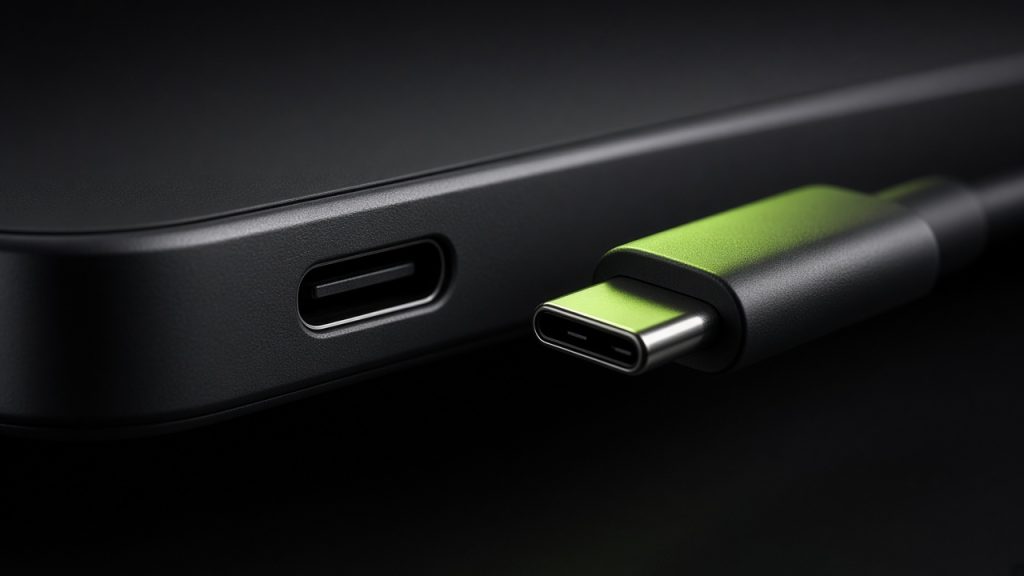
USB‑C is the reversible oval port on almost every modern phone for charging and data. The shape is shared; speed and wattage are not — “USB‑C” on the box does not automatically mean the fastest charge or a laptop-class cable.
You will see USB‑C on Android phones, recent iPhones, chargers, earbuds cases, and cable bundles. Specs may add USB Power Delivery (PD), PPS, or brand “fast charge” names next to a watt number.
This explainer is based on how USB‑C is marketed on phones and chargers. Gadget Clash does not measure charge curves. Confirm wattage, cable rating, and included brick on the exact SKU.
USB‑C at a glance
| Question | Short answer |
|---|---|
| What it is | Port + cable connector shape used for charge and data |
| Does not guarantee | High wattage, DisplayPort video, or Thunderbolt speeds |
| Care most if | You share chargers across devices or need a specific fast-charge standard |
| Ignore if | Any working cable + brick already meets your routine |
| Related | Wireless charging, MagSafe / Qi2 |
What USB‑C actually is
USB‑C describes the connector. Behind it sit protocols: USB 2.0 data on cheap cables, faster USB data on better ones, and charging via USB PD or vendor schemes (PPS, SuperVOOC-style, and others). A 20 W PD brick and a 65 W PD brick both fit the same port; the phone negotiates what it will accept.
Many phones ship without a wall charger — only a cable. Cable quality matters: some USB‑C cables are charge-only or limited to lower watts. Thunderbolt and full video-out are rare phone needs; do not assume a phone USB‑C port equals a laptop dock port.
Why it shows up on product pages
- Standardization: One cable family across phone, tablet, earbuds case, and laptop
- Regulatory / market shifts: iPhone moved to USB‑C; EU common-charger rules pushed the shape
- Fast-charge bullets: “50 W USB‑C PD” next to battery size
- Accessory ecosystems: Car mounts, hubs, and DACs that need the right USB‑C role
Buyer takeawayPrefer clear charge wattage + PD/PPS notes over the bare “USB‑C” label. Wireless charging is optional convenience — see wireless charging.
Choose it if / Skip it if
Choose it if…
- You want one charger bag for phone + laptop (check shared PD wattage)
- Two phones differ on wired charge speed and you top up in short windows
- You need a specific accessory (car charge, audio dongle) that depends on USB‑C behavior
Skip it if…
- Overnight charging already covers you and cable clutter is fine
- You mostly use a wireless pad or MagSafe-style stand
- Budget should buy battery capacity or efficiency instead of a slightly higher watt peak
What you need for fast USB‑C charging
A phone that supports the wattage / protocol you want
A wall brick (or car charger) that can deliver it
A cable rated for that power — not every bundled lead is equal
Reasonable heat and battery habits (peak watts often taper after ~50–80%)
Frequently asked questions
Can any USB‑C charger charge any USB‑C phone?
Why did my phone come without a charger?
Is USB‑C the same as Thunderbolt?
Wired or wireless — which should I prioritize?
Editorial note: Specs and support change by region and firmware. Confirm on the exact SKU before you buy. Part of the Gadget Clash Knowledge Base (Phones).
Back to Phones hub