
Quick answer
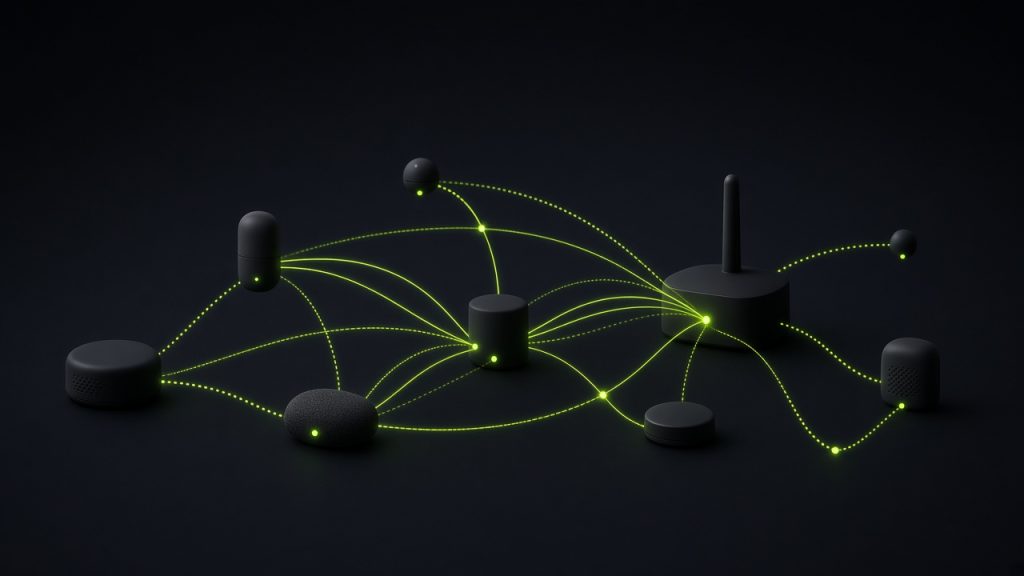
Thread is a low-power wireless mesh network used by many modern smart-home devices (often under a Matter badge). Gadgets talk to each other over Thread; a Thread border router bridges that mesh to your Wi-Fi / internet so phones and apps can reach them.
You will see Thread on bulbs, sensors, locks, and hub/speaker specs (“Thread border router built in”). It is not the same thing as Matter, Zigbee, or Wi-Fi — even though shoppers meet them in the same aisle.
This explainer is based on how Thread is sold on consumer smart-home gear. Gadget Clash does not measure mesh hop counts or battery drain. Confirm border-router support on your hub and accessories.
Thread at a glance
| Question | Short answer |
|---|---|
| What it is | Low-power mesh radio/network for smart-home devices |
| Needs | At least one Thread border router on your network |
| Care most if | You buy Matter-over-Thread bulbs, sensors, or locks |
| Ignore if | Your gear is Wi-Fi-only (many cameras and vacuums) |
What Thread actually is
Thread lets small devices form a self-healing mesh: if one path fails, traffic can route through another powered Thread device. That is why it suits always-on bulbs and plugs better as routers, while battery sensors often act as end devices.
Your phone usually does not speak Thread directly for day-to-day control. A border router — often a Nest Hub, HomePod, Apple TV, Echo, SmartThings hub, or similar — connects the Thread mesh to IP/Wi-Fi so Home apps and Matter controllers can reach those devices.
Why it shows up on product pages
- Matter bundles: “Matter over Thread” is a common shelf story
- Speaker / hub ads: Border-router claims sell the buy-this-first box
- Battery-friendly pitch: Sensors and locks advertise long life vs Wi-Fi
- Mesh reliability: Brands contrast Thread with flaky single-hop Wi-Fi IoT
Buyer takeawayThread-capable accessories need a border router in the house. Check what you already own before buying a Thread-only bulb pack.
Choose it if / Skip it if
Choose it if…
- You already have (or will buy) a solid border router
- You want low-power sensors/locks without loading every room onto Wi-Fi
- You are building a Matter-first mesh of bulbs and plugs
Skip it if…
- You only buy Wi-Fi cameras, vacuums, or plugs that never list Thread
- You have no border router and will not add one soon
- A Zigbee hub you already trust covers the same rooms
Thread vs Matter vs Zigbee vs Wi-Fi
| Label | What shoppers should know |
|---|---|
| Thread | Mesh radio/network; needs a border router for phone/app access |
| Matter | Compatibility language that often rides on Thread or Wi-Fi |
| Zigbee | Older mesh; usually a brand hub |
| Wi-Fi | Direct to your router; fine for bandwidth-heavy devices |
What you need for Thread to work
Thread-capable accessories
At least one compatible Thread border router on the same home network
A controller app that supports those devices (often via Matter)
Sensible placement — powered Thread devices help the mesh reach farther rooms
Frequently asked questions
Is Thread the same as Matter?
Do I need a special Thread hub?
Can Thread devices work without internet?
Should I replace Zigbee with Thread?
Editorial note: Specs and support change by region and firmware. Confirm on the exact SKU before you buy. Part of the Gadget Clash Knowledge Base (Smart home).
Back to Smart home hub