
Our picks
Live prices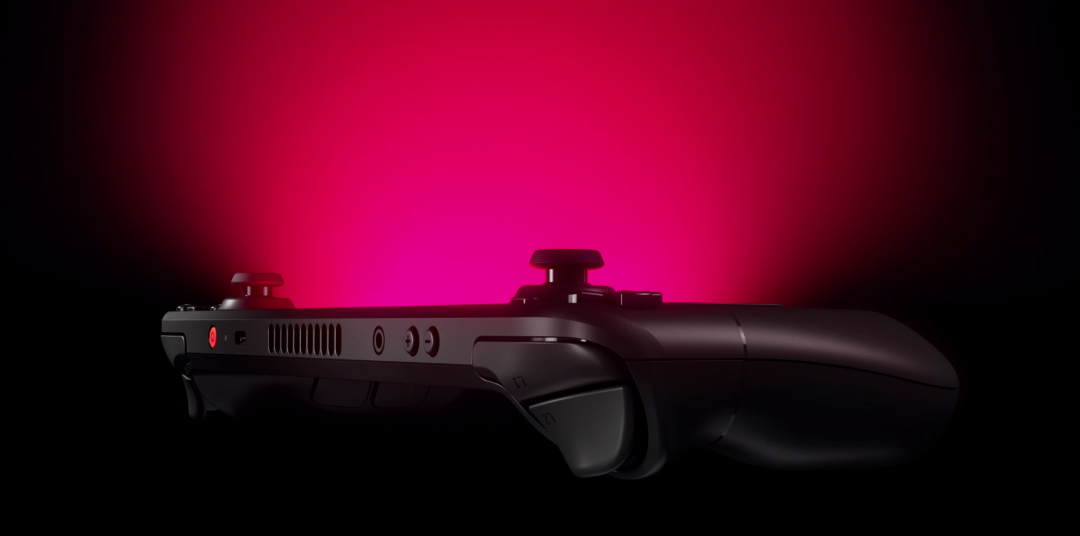
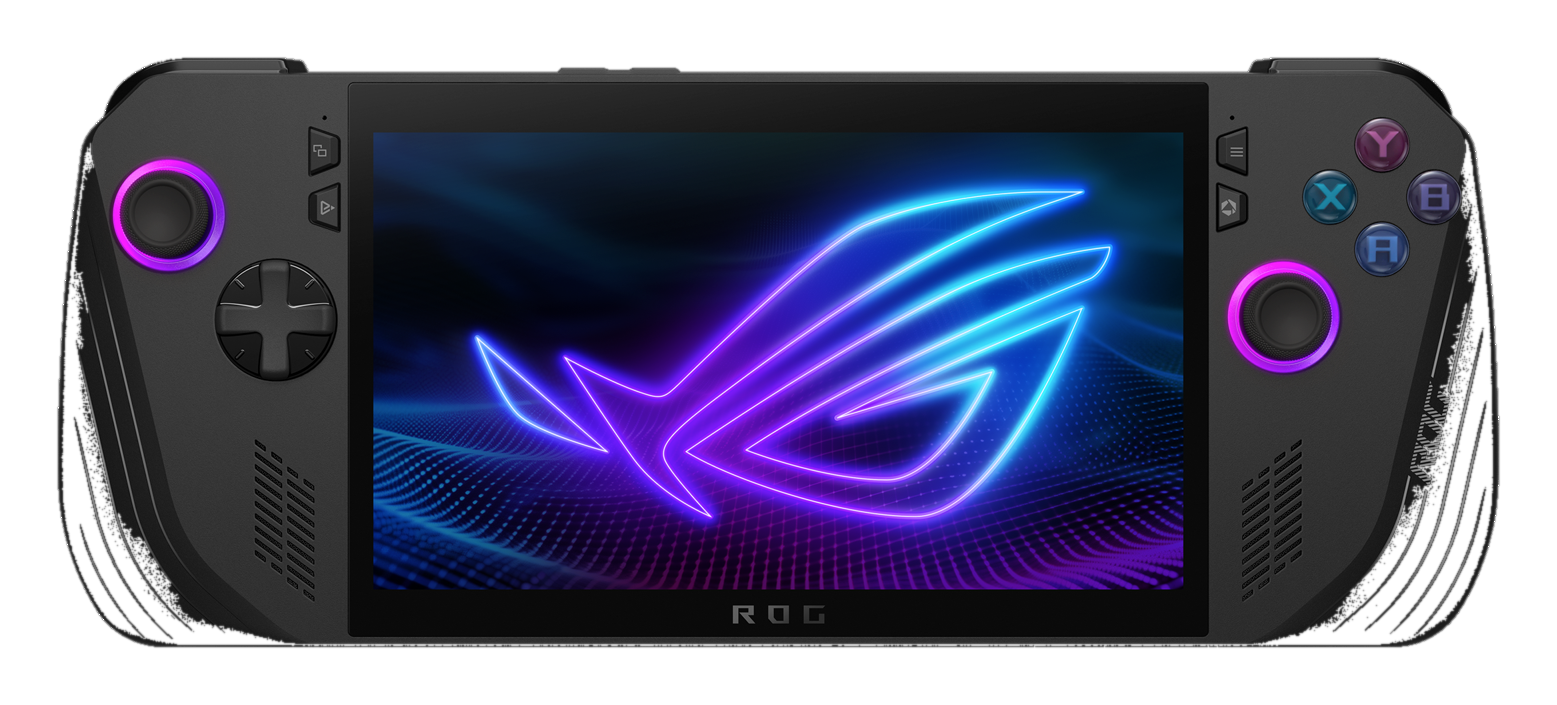
Quick answer: Buy the Steam Deck OLED if you want the smoother console-like PC handheld experience, strong Steam library habits, and generally kinder battery behavior for many games. Buy the ASUS ROG Ally X if you need Windows-native compatibility and Xbox Game Pass workflows and accept more PC maintenance in your hands. The winner is the library and OS you already live in—not a single FPS crown.
This head-to-head is for shoppers stuck between the two most common “serious handheld PC” answers. Generations and storage configs change—confirm the exact OLED and Ally X SKUs on manufacturer pages. Gadget Clash has not run frame-rate or battery labs on these devices. Where we mention performance, we speak in buyer-fit terms and point you to independent reviews for numbers.
Quick picks
- Best for most Steam-first beginners: Steam Deck OLED
- Best for Game Pass / stubborn Windows titles: ROG Ally X
- Need cheaper entry? Consider base Deck or older Ally generations carefully—verify support lifespan
- Need Nintendo first parties? Wrong aisle—see Switch-class consoles
How we chose
- OS friction (SteamOS vs Windows handheld)
- Library fit (Steam/Proton vs Game Pass/native Windows)
- Battery and thermals as user experience, not invented charts
- Ergonomics and daily carry
- Storage expandability and dock life
- Beginner recovery when something breaks
At a glance
| Criterion | Steam Deck OLED | ASUS ROG Ally X |
|---|---|---|
| OS | SteamOS | Windows |
| Best for | Steam library, simplicity | Game Pass, Windows-native |
| Display story | OLED (Deck OLED line) | High-refresh LCD class (confirm exact Ally X panel) |
| Game Pass vibe | Workarounds / streaming options | Native Windows Xbox app path |
| Tinker tax | Lower for Steam games | Higher (Windows updates, overlays) |
| Battery vibe | Often praised for efficiency in similar loads | Larger battery on X helps; Windows + higher TDP habits still thirsty |
| Dock / living room | Strong community dock story | Works as mini Windows PC docked |
1. Steam Deck OLED — best for most Steam-first players
The OLED Deck improves on the original Deck’s handheld feel with an OLED panel and efficiency-focused tuning Valve documents for the line. For beginners, the bigger story remains SteamOS: a game-library UI that feels closer to a console than a tiny laptop.
Proton compatibility covers a huge portion of Steam, but anti-cheat edge cases still exist. Verify your top 10 games. If eight are fine and two are broken, be honest about whether those two are dealbreakers.
Choose it if: Steam is home and you want fewer Windows pop-ups between you and the game.
Skip it if: Game Pass native play or a specific Windows-only launcher title is the whole reason you are shopping.
2. ASUS ROG Ally X — best when Windows and Game Pass lead
The Ally X iteration focuses on what Windows handheld buyers asked for: more battery capacity versus earlier Ally units, refined ergonomics, and the flexibility of full Windows. That flexibility is the feature and the footgun. Expect driver updates, overlay stacks (Armoury Crate / Game Pass / Steam), and sleep/hibernate quirks that SteamOS often hides better.
Performance ceilings in some titles can favor higher-TDP Windows handhelds—check recent independent benches for your games rather than trusting a blog that invents numbers. Gadget Clash will not fabricate FPS here.
Choose it if: Game Pass on handheld is central, or your games demand Windows.
Skip it if: you want the least sysadmin work in a handheld form factor.
Before you buy
Build a must-play compatibility list
Write ten games. Check DeckDB / ProtonDB-style community notes and Windows handheld reports. Buy for that list.
Price the storage you need
Internal SSD configs differ; microSD / expansion realities differ. AAA libraries balloon fast.
Decide dock life on day one
If living-room play matters, budget a dock, Ethernet if needed, and a controller preference.
Be honest about fan noise and heat
Handhelds get warm. If you play in bed under blankets, plan for thermal throttling and comfort—not just peak clocks.
Accessories are not optional fluff
Case, screen protector, and spare USB-C charger prevent early regret.
Our verdict
Pick Steam Deck OLED for the cleaner Steam handheld life. Pick ROG Ally X for Windows/Game Pass gravity. If you are still unsure what kind of handheld you want (retro vs cloud vs PC), read the beginner handheld roundup first—OS wars are a late-stage decision.
Which has better battery life?
It depends on TDP target, brightness, and game. OLED Deck is often efficient; Ally X carries a larger battery to help Windows thirst. Read recent measured reviews for your titles—we are not inventing minute counts.
Can the Deck run Game Pass?
Streaming / cloud options and workarounds exist with trade-offs. Ally X is the straightforward native Windows path.
Which is better for AAA settings?
Windows handhelds sometimes allow higher presets at the cost of noise/heat/battery. “Better” means playable + enjoyable for your hands, not maxed screenshots.
Should I wait for the next revision?
If your current setup cannot play what you own, buy the current generation when priced well—after checking return policies.
Daily life differences beginners notice
- Suspend/resume: SteamOS is generally more “console-like”; Windows handhelds vary and can surprise you with updates on wake.
- Overlays: Ally X users juggle Armoury Crate / Xbox / Steam overlays—learn which one owns the Quick Access button muscle memory.
- Desktop mode: Both can browse and Discord; Deck’s desktop is Linux; Ally is Windows. Know which apps you need.
- Anti-cheat weekends: Verify before a multiplayer trip where you cannot debug Proton.
Resale and longevity
Handheld PCs evolve yearly. Buy for the next 2–3 years of your library, not eternal peak settings. OLED burn-in risk on static HUDs exists—vary content and use pixel cleaning features per vendor guidance.
Extra FAQ
MicroSD speed myths?
Fast cards help some load scenarios; they will not turn a handheld into a desktop GPU. Buy reputable UHS-I/UHS-II cards; avoid fakes.
External GPUs?
Niche, dock-dependent, expensive. Not a beginner path.
Accessory shortlist (both)
- Screen protector (oleophobic if you can find it)
- Soft case with grip for travel days
- Dock with HDMI + Ethernet if living-room play matters
- Spare USB-C PD charger that can feed handheld + phone
- Lightweight Bluetooth headphones with low latency mode for late-night sessions
Who should buy neither yet
If your library is 90% Nintendo first parties, buy into that ecosystem. If you only play on a couch TV, a used console may beat any handheld PC. Handheld PCs shine when portability + PC libraries are the actual goal.
Honesty note: Comparison drafted 29 September 2026. No fabricated benchmarks. Confirm live SKUs, storage configs, and compatibility before purchase.