
Our picks
Live prices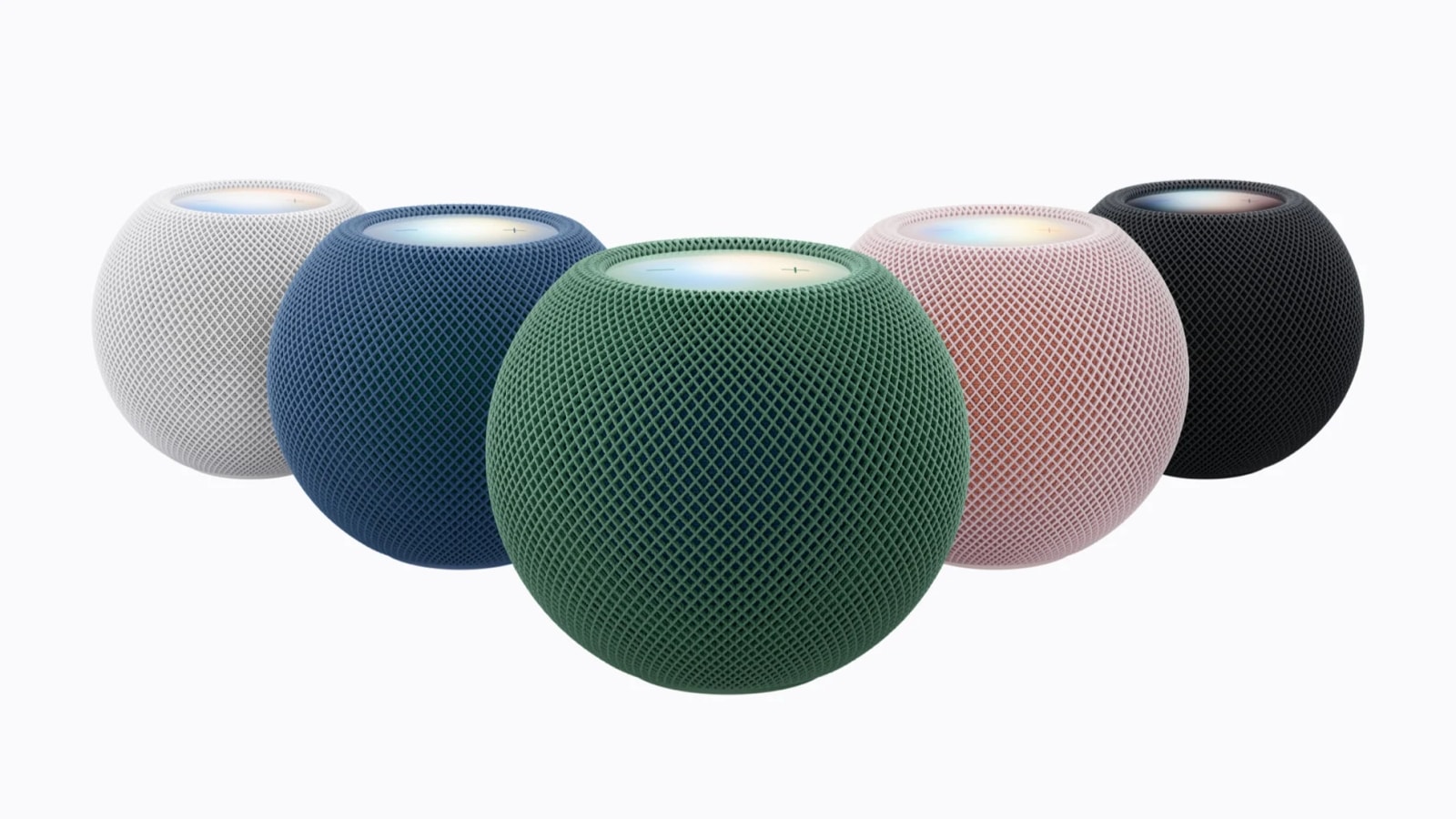
Quick answer: Buy the Apple HomePod mini if you live on iPhone, care about Apple Music / Siri habits, and want a compact Thread-friendly Apple Home edge device. Buy the Amazon Echo Dot (5th Gen) if Alexa routines, broader third-party skill depth, and Amazon/music flexibility matter more than Apple polish. Neither is a “hi-fi” speaker—both are entry always-on hubs that happen to play music.
This comparison sticks to the entry speaker/hub decision. If you need a screen, see a future Echo Show vs Nest Hub vs HomePod piece instead of forcing a Dot or mini to be a display. Gadget Clash has not lab-tested either speaker. Specs and hub roles follow manufacturer documentation and Gadget Clash catalog context. On-site, treat Echo Dot (5th Gen, 2022) as the Dot generation available in GC listings—do not invent other Dot gens as if they were catalogued here.
Quick picks
- Best for iPhone / Apple Home households: HomePod mini
- Best for Alexa routines & Amazon households: Echo Dot (5th Gen)
- Need a screen? Look at Echo Show / Nest Hub class devices—not these two
- Need bigger music? Step up to full-size HomePod or higher Echo models
How we chose
- Ecosystem fit (iPhone vs Alexa-first Android/Fire habits)
- Everyday assistant usefulness (timers, lists, smart-home voice)
- Hub / Thread / Matter edge duties relevant to beginners
- Room fit (bedside, kitchen shelf, desk)
- Privacy comfort and account gravity (Apple ID vs Amazon account)
- Total cost of ownership (subscriptions you already pay for)
No fake frequency-response charts or invented “assistant IQ” scores.
At a glance
| Criterion | HomePod mini | Echo Dot (5th Gen) |
|---|---|---|
| Best for | Apple-centric homes | Alexa-centric homes |
| Assistant | Siri | Alexa |
| Typical music path | Apple Music / AirPlay habits | Amazon Music / Spotify via Alexa, etc. |
| Smart-home gravity | Apple Home | Alexa |
| Thread / hub role | Apple Home Thread border router role (HomePod mini class) | Echo Dot is primarily Alexa speaker; confirm current Thread/Matter controller claims for your Dot SKU/firmware |
| Display | No | No |
| Reference price | Check live | Check live |
Hub capabilities change with firmware—verify on Apple/Amazon pages for your exact unit.
1. HomePod mini — best Apple-household entry speaker
The HomePod mini is the default recommendation when everyone in the house already carries an iPhone and you want voice control that does not fight Apple Home. Intercom-style features, AirPlay target behavior, and Compute/Siri on-device habits (as Apple documents for the product generation you buy) matter more than raw wattage.
As a smart-home edge device, HomePod mini-class hardware is commonly used as a Thread border router in Apple Home setups. That can matter more than the speaker itself if you are about to buy Thread locks, bulbs, or sensors. Still: buy it for the Apple life you already live—not as a universal “best sounding $99 ball.”
Choose it if: iPhone + Apple Music/HomeKit (Apple Home) is already your stack.
Skip it if: your household is Alexa-fluent, uses Amazon shopping/routines heavily, or refuses Apple Music friction.
2. Echo Dot (5th Gen) — best Alexa entry speaker
The Echo Dot (5th Gen) is the volume seller pattern for a reason: Alexa routines, multi-room groups with other Echo devices, and a huge skill ecosystem. For kitchens and bedsides where “Alexa, timer 8 minutes” is daily language, the Dot remains the pragmatic pick.
Temperature sensing on some Dot 5 configurations and improved speaker claims versus older Dots are nice, but ecosystem gravity still decides the purchase. If you are Android-first and already run Alexa on phones/Fire tablets, starting with a Dot is coherent. Confirm whether your Dot unit is being asked to do Matter controller / Thread work—do not assume every Echo SKU is a Thread border router.
Choose it if: Alexa is already how your home talks, or you want the broadest voice-skill library on a budget.
Skip it if: you want the cleanest Apple Home experience and dislike Amazon account sprawl.
Before you buy
Pick the assistant you will actually speak to
Switching ecosystems later is annoying. Demo both voices for a day using phone apps if you are unsure.
Count the rooms, not the specs
One strong speaker in the kitchen beats three neglected speakers in rooms nobody uses.
Privacy comfort is personal
Always-listening mics bother some people more than others. Mute switches help; account policies still matter. Read current Apple/Amazon privacy pages if this is a deciding factor.
Music subscriptions you already pay for
The “best” speaker is often the one that plays your catalog with the fewest hops.
Hub duties vs music duties
If you mainly need a Thread border router, say that out loud before optimizing for bass. Conversely, if you only want bedtime podcasts, do not over-rotate on Matter slides.
Our verdict
HomePod mini for Apple homes. Echo Dot (5th Gen) for Alexa homes. Mixed households should pick the assistant the primary daily driver phone uses—or budget for one of each in different rooms and accept the dual-brain tax. For displays and Nest-vs-Show decisions, use a dedicated hub comparison rather than stretching this entry-speaker clash.
Is HomePod mini louder / better sounding than Echo Dot?
Subjective and room-dependent. Both are compact entry speakers. If music quality is the top goal, step up a tier instead of agonizing between mini and Dot.
Which is better for Matter devices?
Matter devices need a compatible controller. Apple Home via HomePod mini is a common path for iPhone users; Alexa Matter support covers many Echo homes. Verify your controller’s current Matter version and device compatibility list.
Can they share music multi-room together?
Not as one seamless proprietary multi-room system. AirPlay and Alexa groups are different worlds. Plan accordingly.
Which should renters buy?
Whichever matches the phone in your pocket. Both are small, corded, and easy to move—no drilling required.
Sound, rooms, and expectations
Neither device replaces a stereo. In bathrooms and bedrooms they excel at voice, radio, and podcasts. In living rooms dedicated to music, step up. Stereo pairing (two minis or two Dots, within each ecosystem) can improve the experience—still not audiophile territory.
Kitchen grease and mics
Kitchens are hostile: fans, kettles, and open-plan TV noise. Place the speaker away from the extract fan. Mute when you need privacy for calls at the table.
Guest mode and household accounts
Alexa households and Apple Family sharing solve “whose calendar?” differently. If guests sleep over often, pick the assistant that fails softer when a stranger asks for lights.
Extra FAQ
Does Echo Dot temperature sensing replace a thermostat?
No. It can inform routines; it does not control HVAC by itself without other devices and permissions.
Can HomePod mini be a Thread border router without owning other Apple speakers?
Yes—that is a common reason Apple homes place a mini centrally. Confirm your Home architecture after setup.
What about Echo Pop vs Dot?
Pop is another entry Alexa shape. If shopping Amazon’s line, compare current Dot vs Pop features/prices; this clash stays Dot-focused because of GC catalog context.
Honesty note: Drafted 29 September 2026 (Europe/Belgrade) from manufacturer/catalog positioning. No lab audio scores. Confirm live pricing and hub firmware claims before purchase.