
The short verdict
Scores pending
We haven’t scored these yet. Use the measured differences and full specs below.
Nitro mouse Gaming Right-hand USB Type-A Optical 4000 DPI—
X220 Backlit Gaming Mouse—
Choose the Nitro mouse Gaming Right-hand USB Type-A Optical 4000 DPI if
- Lighter in the hand (97 vs 120 g)
Key differences
Measured differences only. Ties and tiny gaps are left out.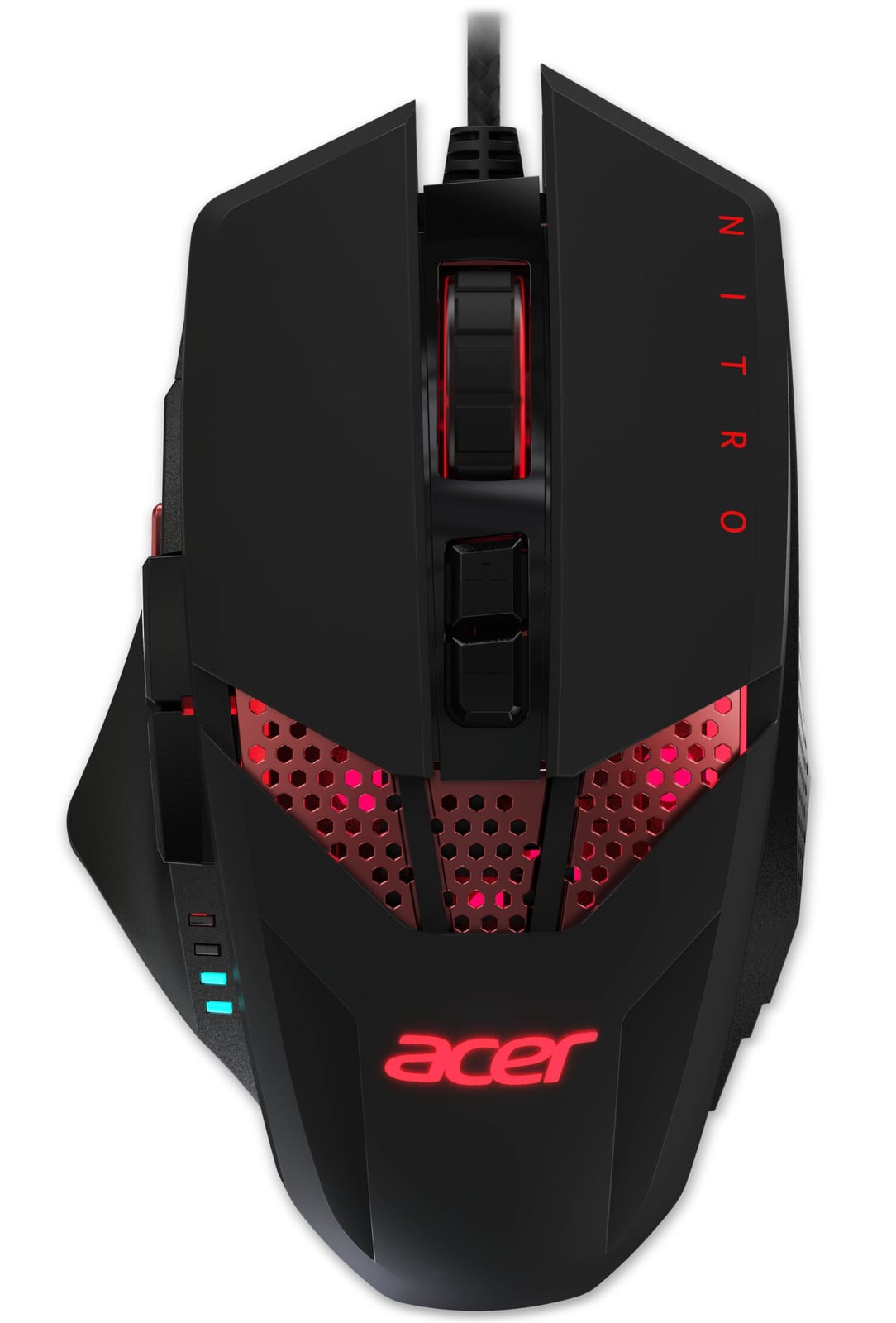 Why pick theNitro mouse Gaming Right-hand USB Type-A Optical 4000 DPI1 win
−23 gLighter in the hand97 vs 120 g
Check priceNo store price yet
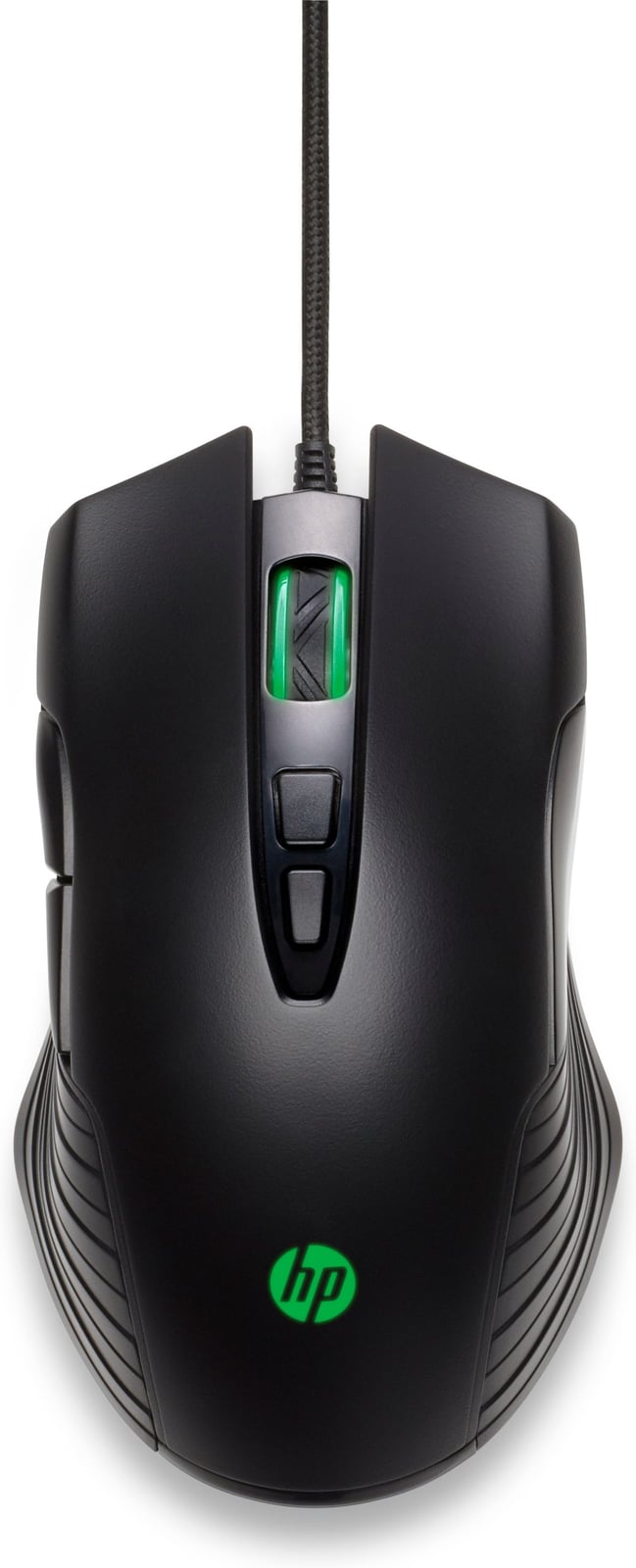 Why pick theX220 Backlit Gaming Mouse0 wins
No measured advantages in our spec data. Check the full specs below.
Check priceNo store price yet
Full specs
Side-by-side specifications
Specs verified against manufacturer data. Prices in USD before tax; we may earn a commission from qualifying purchases.
Community
One vote per person. Results appear after you vote.Which would you buy?
People also comparevsAcer Nitro mouse Gaming Right-hand USB Type-A Optical 4000 DPI vs Targus Wireless Optical Mini mouse RF WirelessvsAcer Nitro mouse Gaming Right-hand USB Type-A Optical 4000 DPI vs Logitech G305 X SUPERLIGHTvsAcer Nitro mouse Gaming Right-hand USB Type-A Optical 4000 DPI vs HyperX Pulsefire Haste 3 Pro