
The short verdict
Scores pending
We haven’t scored these yet. Use the measured differences and full specs below.
Nitro mouse Gaming Right-hand USB Type-A Optical 4000 DPI—
Bluetooth® Mouse Z5000—
Key differences
Measured differences only. Ties and tiny gaps are left out.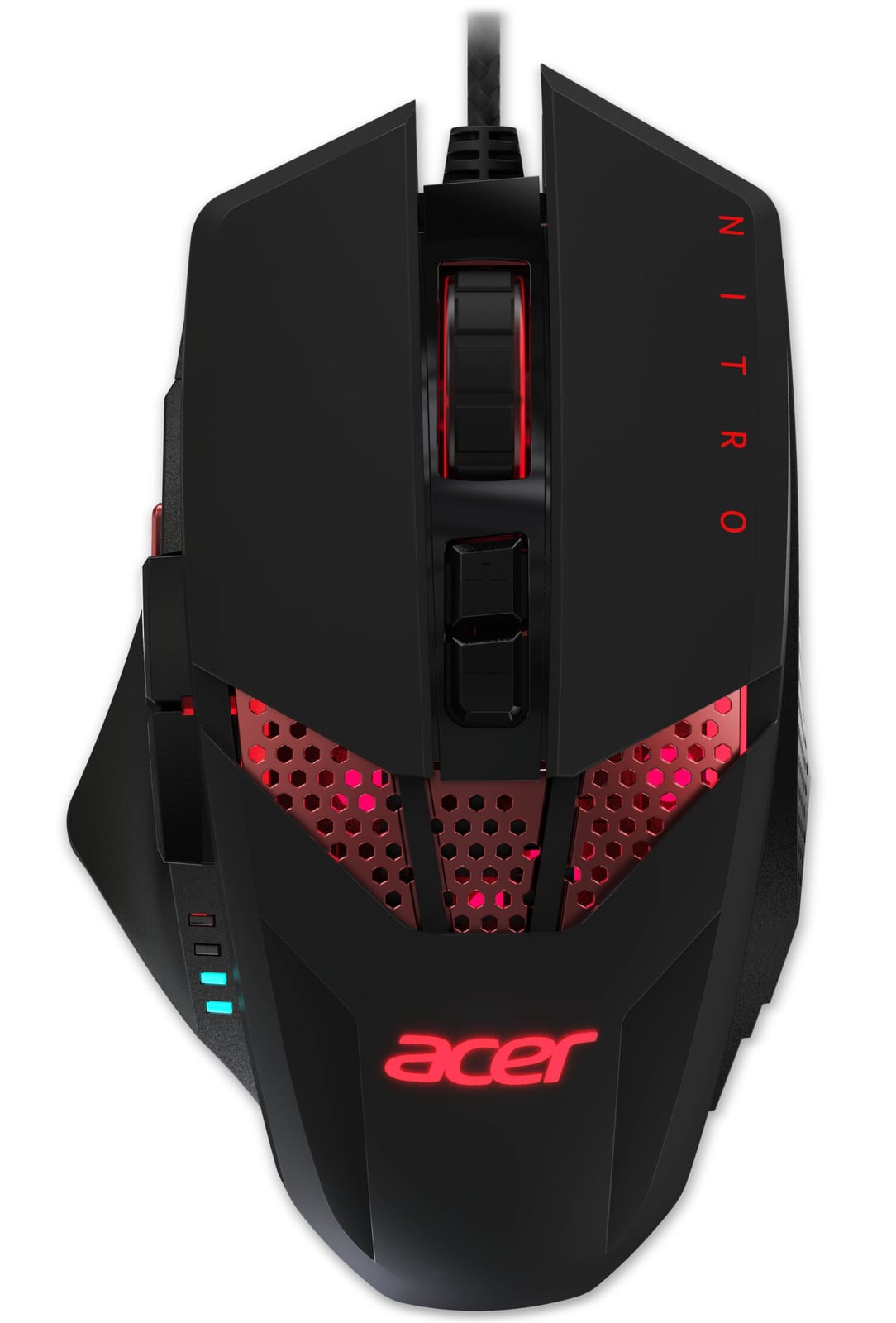 Why pick theNitro mouse Gaming Right-hand USB Type-A Optical 4000 DPI0 wins
No measured advantages in our spec data. Check the full specs below.
Check priceNo store price yet
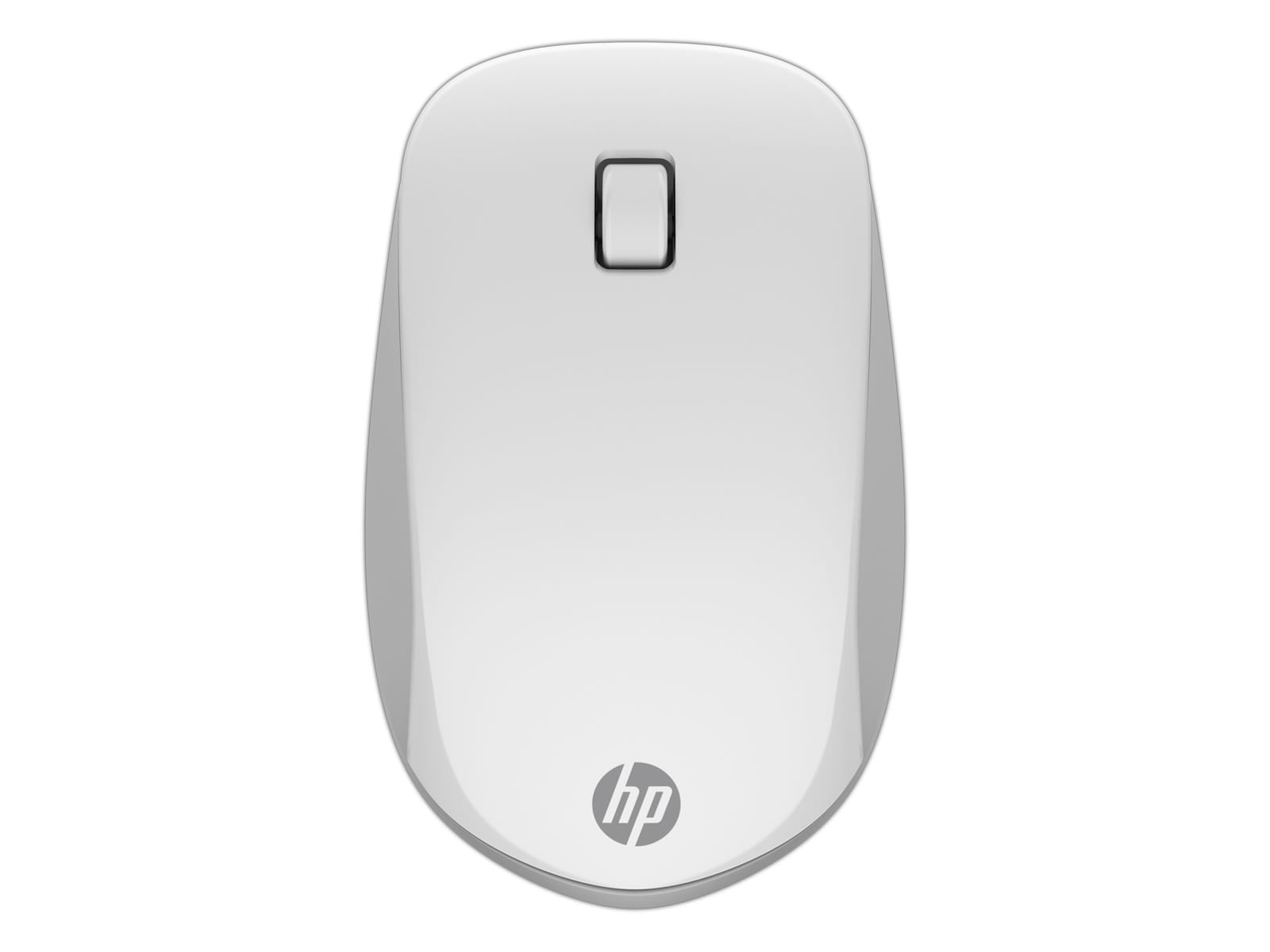 Why pick theBluetooth® Mouse Z50001 win
−53 gLighter in the hand44 vs 97 g
Check priceNo store price yet
Full specs
Side-by-side specifications
Specs verified against manufacturer data. Prices in USD before tax; we may earn a commission from qualifying purchases.
Community
One vote per person. Results appear after you vote.Which would you buy?
People also comparevsAcer Nitro mouse Gaming Right-hand USB Type-A Optical 4000 DPI vs Trust Optical USB Micro MI-2650Mp mouse USB Type-AvsAcer Nitro mouse Gaming Right-hand USB Type-A Optical 4000 DPI vs Trust Bluetooth Optical MI-5400X mouse 800 DPIvsAcer Optical Mini (USB) mouse USB Type-A 520 DPI vs HP Bluetooth® Mouse Z5000