
The short verdict
Scores pending
We haven’t scored these yet. Use the measured differences and full specs below.
Nitro mouse Gaming Right-hand USB Type-A Optical 4000 DPI—
WT300 RF /BK-RD mouse Office Ambidextrous RF Wireless Optical 1600 DPI—
Choose the WT300 RF /BK-RD mouse Office Ambidextrous RF Wireless Optical 1600 DPI if
- Lighter in the hand (56 vs 97 g)
Key differences
Measured differences only. Ties and tiny gaps are left out.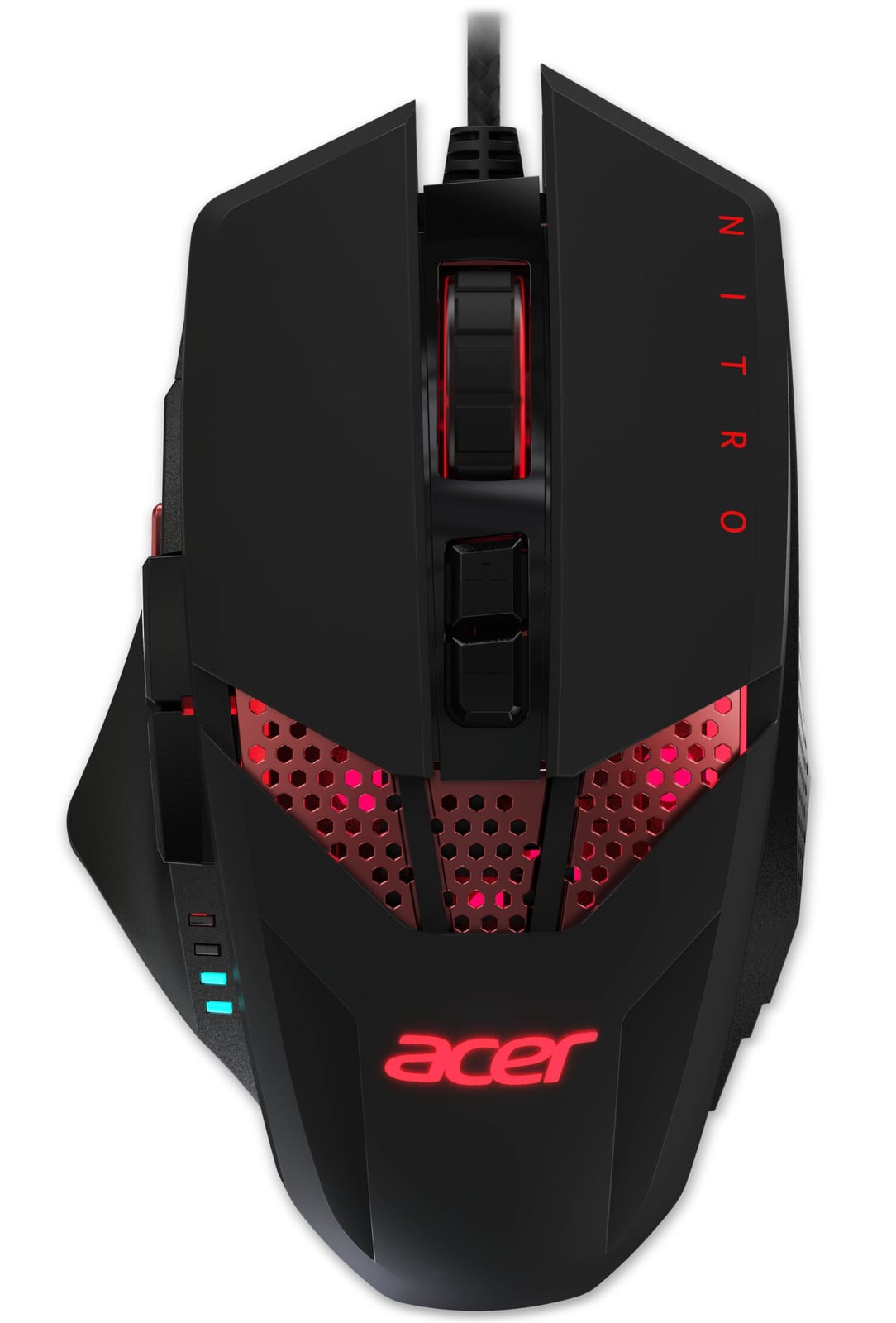 Why pick theNitro mouse Gaming Right-hand USB Type-A Optical 4000 DPI0 wins
No measured advantages in our spec data. Check the full specs below.
Check priceNo store price yet
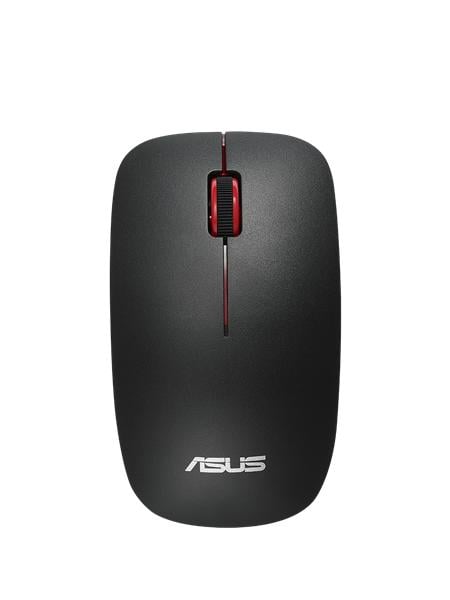 Why pick theWT300 RF /BK-RD mouse Office Ambidextrous RF Wireless Optical 1600 DPI1 win
−41 gLighter in the hand56 vs 97 g
Check priceNo store price yet
Full specs
Side-by-side specifications
Specs verified against manufacturer data. Prices in USD before tax; we may earn a commission from qualifying purchases.
Community
One vote per person. Results appear after you vote.Which would you buy?
People also comparevsAcer Nitro mouse Gaming Right-hand USB Type-A Optical 4000 DPI vs HP Dual Mode MousevsAcer Nitro mouse Gaming Right-hand USB Type-A Optical 4000 DPI vs Verbatim Rapier V2 Gaming Laser mouse USB Type-A 3200 DPIvsAcer Easy Fit - Retail pack mouse Right-hand RF Wireless + Bluetooth 4000 DPI vs ASUS WT300 RF /BK-RD mouse Office Ambidextrous RF Wireless Optical 1600 DPI